What is Web Accessibility?
Web accessibility is about making websites usable by people with different abilities and tools. For example, screen readers, magnifiers, voice input, keyboard-only navigation, captions/alternative texts, and more.
Accessibility means thinking about many ways people see, hear, and interact with your content.
Who Is Affected by Accessibility?
Visual Disabilities
Visual impairments can include low vision, color blindness, and total blindness. To interact with websites, these users often depend on tools like zoom, high-contrast settings, or screen readers to read page content aloud.
Hearing Disabilities
Users who can’t hear well depend on captions, transcripts, or visual cues rather than audio. Videos and audio files should always offer text alternatives of what’s being said.
Motor Disabilities
Some users cannot use a mouse easily and rely on keyboard-only navigation, switch devices, or other alternative inputs. The website should be fully usable without a mouse.
Cognitive Disabilities
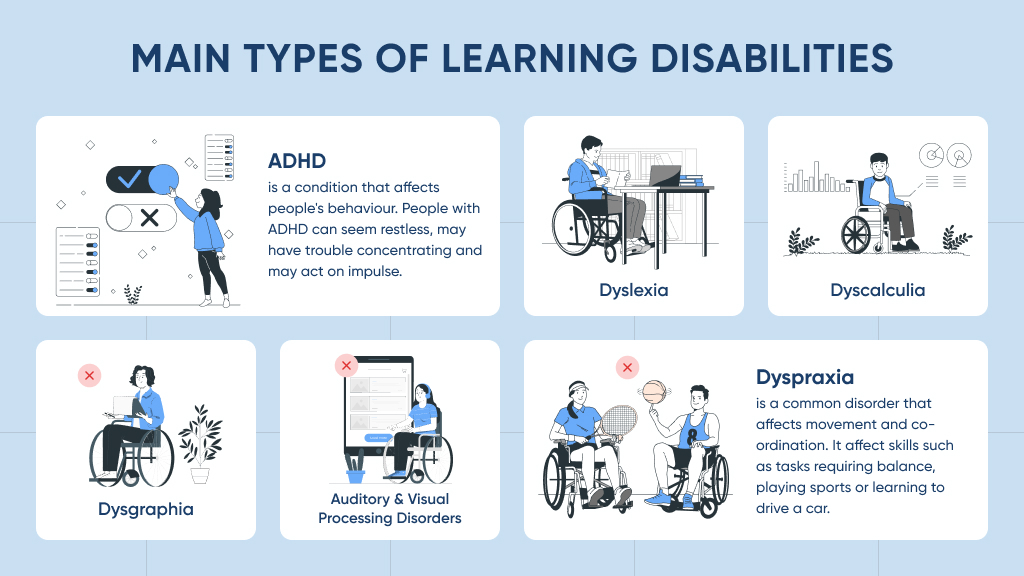
Clear layout, simple language, predictable navigation, and consistent headings help users who are older, have ADHD, learning disabilities, or memory challenges follow along without getting lost. Controls should be straightforward and self-explanatory.
WCAG in Simple Terms
The Web Content Accessibility Guidelines classify disabilities into four main types.
- Perceivable – users can see or hear the content.
- Operable – users can control the interface and move around.
- Understandable – content and behavior are clear and predictable.
- Robust – works across different browsers and assistive tech.

Common Accessibility Mistakes
Many accessibility problems come from small design or coding choices that are easy to fix once you know about them. Examples include:
- Low contrast between text and background colors.
- Missing or meaningless alt text on images.
- Form fields without proper labels
- Links and buttons that are too small or hard to click.
- Content that requires mouse-only controls
- Interactive elements that are confusing or unclear to assistive tools.