Why Color and Contrast Matter
Color and contrast affect how readable your content is. People with low vision, color blindness, or older screens can struggle with light text on a light background or dark text on a dark background.
Good contrast helps almost everyone: users on mobile in bright sunlight, people glancing quickly at your page, and anyone reading for a long time.

WCAG Contrast Ratios
WCAG includes rules for how much contrast there should be between text and its background. This is measured as a ratio (for example, 4.5:1).
- Normal text (body text): at least 4.5:1 contrast ratio.
- Large text (18pt regular or 14pt bold): at least 3:1.
You can test your color choices with a contrast checker to make sure your text meets these levels.
Avoid Using Color Alone
Color should not be the only way you show meaning. For example, “required” fields should not be marked only with red text. People with color blindness might not notice the difference.
Instead, combine color with another cue:
- Icons (✓, ✕, !).
- Text labels like “Required” or “Error.”
- Patterns, borders, or underline styles.
Visual Hierarchy and Typography
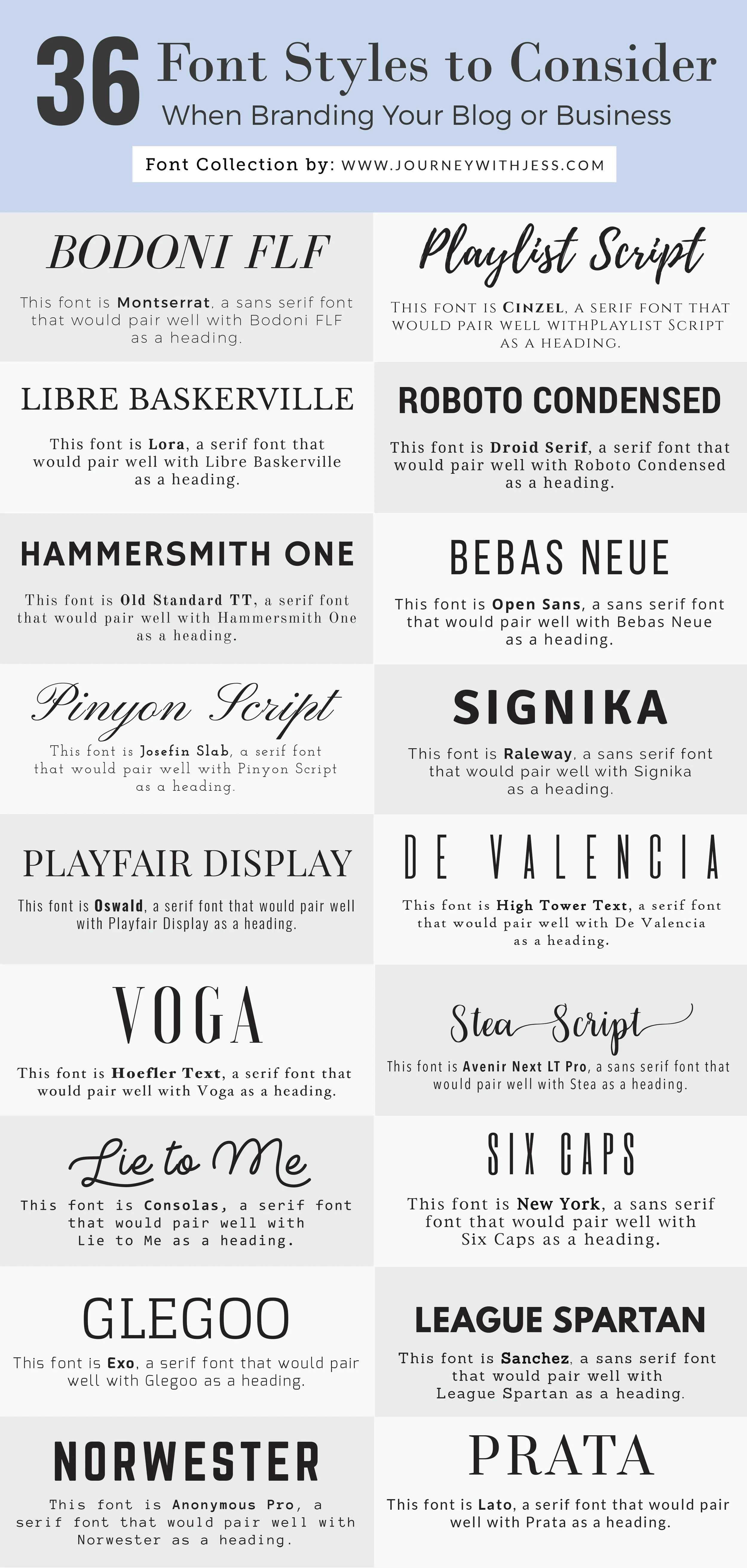
Color is just one part of visual design. Hierarchy also depends on font size, font weight, spacing, and alignment. Clear headings, subheadings, and body text make it easier for users to scan the page.
Generous line height, enough space between sections, and readable font sizes support users with cognitive and attention differences.
Checking Your Own Color Palette
When you choose brand colors or themes (like teal for this site), always test your combinations for contrast. Don’t just trust how it looks on your own screen—tools can simulate different types of color blindness and low vision.
A small adjustment in brightness or saturation can sometimes turn “fails WCAG” into “passes WCAG” without changing the overall feel of your design.